
Standardizing Title Blocks, BOM Templates, and Numbering Rules in Tekla Structures
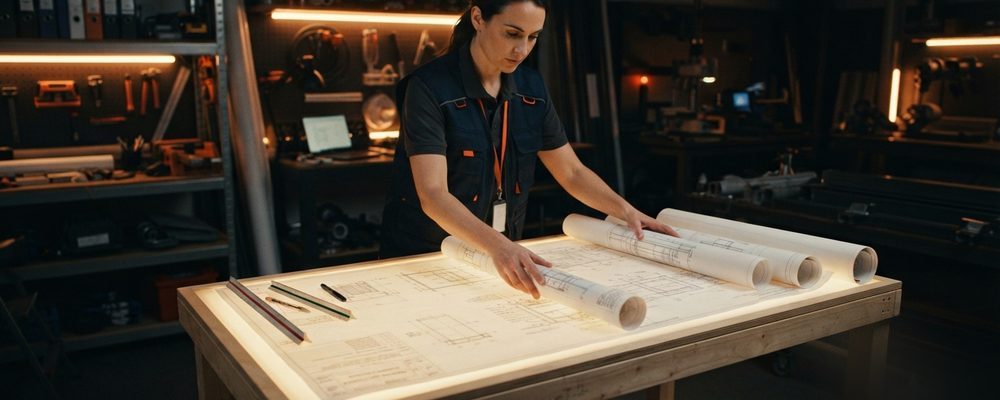
- Set up global grids, material catalogs and profile libraries before any modeling starts, to avoid rework later.
- Numbering rules need to be configured up front so preliminary parts, assemblies and main members never get duplicate mark numbers across a multi-user model.
- Standardized title blocks, revision tables and BOM attributes keep every drawing sheet in a project looking and behaving consistently.
Lacking standardized environment configurations causes numbering conflicts, inconsistent drawing layouts, and shop-floor confusion when multiple detailers work concurrently.
Project Environment Setup
Establish global grids, material catalogs, and profile libraries prior to initiating modeling.
Tekla Numbering Rules
Configure logical numbering formats for preliminary parts, assembly marks, and main members to prevent duplicate mark numbers across multi-user models.
Title Blocks & Drawing Templates
Customize drawing sheet frames, company logos, revision tables, and automated BOM report attributes to ensure consistent drawing packages.
Assembly vs. Single-Part Numbering Logic
Tekla's numbering engine distinguishes between assembly marks (the welded or bolted sub-assembly as a shippable unit) and single-part marks (each individual plate, bolt, or shape within that assembly), and getting the numbering rule set right for each is what keeps a BOM readable instead of a wall of near-identical part numbers. A numbering rule that's too coarse merges parts that are actually slightly different (different hole patterns, different cope) under one mark, producing parts that don't match at assembly; a rule that's too fine gives every minor variation its own mark, bloating the BOM with parts that are functionally identical and could have shared a number.
Keeping Numbering Consistent Across Multiple Detailers
On a project split across several detailers working in parallel, numbering conflicts are one of the most common sources of rework if the numbering ranges and rules aren't agreed before modeling starts. Assigning each detailer a reserved block of piece-mark numbers, and agreeing on a single shared numbering rule set applied identically across every model, prevents the situation where two detailers each generate a "B12" that turns out to be two completely different beams once the models are combined.
Setting Numbering Rules Before Modeling Starts
Numbering rules are far cheaper to set correctly before the first member is modeled than to fix afterward, because renumbering an assembly after drawings, BOMs, and NC files have already been generated against the old numbers means regenerating all of it, not just relabeling one field. A short numbering-convention document — prefix letters by member type, numbering ranges by zone or detailer, rules for when a modified part gets a new mark versus keeps the old one — agreed at project kickoff is a small investment that prevents one of the more disruptive and time-consuming categories of rework on a multi-detailer project.
Title Block Data as a Cross-Check, Not Just a Label
A title block is easy to treat as pure formatting — project name, drawing number, scale, date — but on a well-run project it doubles as a cross-check against the model itself. Fields like total weight, piece count, and revision number pulled automatically from the model into the title block will disagree with the drawing content if something in the model changed without a corresponding drawing update, which makes an automated title block one of the simplest sanity checks available before a drawing set goes out: if the piece count on the title block doesn't match what's actually shown on the sheet, that mismatch is worth investigating before release rather than after a fabricator calls asking why the numbers don't add up.
A related but often-overlooked detail is keeping the title block's software and template version information current, especially on projects that span a Tekla version upgrade partway through. A title block referencing an outdated template version can quietly fall out of sync with the numbering rules or drawing standards the rest of the project has moved to, which is worth checking explicitly whenever a project's software environment changes mid-stream rather than assuming templates carried forward automatically.
Frequently asked questions