
Managing Shop Floor Schedules with Automated Bill of Materials (BOM) & MTO Reports
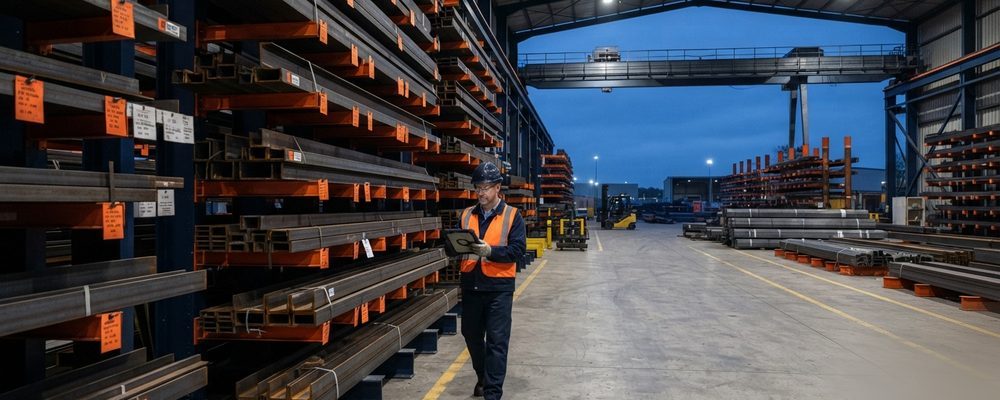
- An automated BOM pulled from a 3D BIM model lists every profile, grade, length, thickness, quantity, piece mark and fastener — not just a rough material count.
- Because the BOM is parametrically linked to the model, any design change updates the material schedule automatically, keeping purchasing aligned with the latest revision.
- Automated MTO reports reduce phantom orders and material overruns compared with manual take-offs from 2D drawings.
Accurate material procurement is critical to controlling fabrication budgets and maintaining production schedules. Manual material take-offs (MTO) derived from 2D drawings are prone to human error, resulting in material shortages or over-purchasing.
Key Components of an Actionable BOM
An automated Bill of Materials extracted from a 3D BIM model details every component, including main member profiles, material grades (e.g., A36, A992, Q355), exact lengths, plate thicknesses, quantities, piece marks, surface treatments (galvanized/painted), and bolt/fastener schedules.
Real-Time Model Synchronization
Because the BOM is linked parametrically to the Tekla 3D model, any design alteration or revision automatically updates the material schedule, keeping purchasing teams aligned with the latest engineering revision.
Inventory & Procurement Optimization
Automated BOM reports enable material nesting and inventory control, reducing phantom material orders and preventing costly shop floor downtime.
BOM Accuracy and Material Waste
A live BOM is only as accurate as the modeling habits behind it. Members split for shipping length, plates nested from remnant stock, and bolts substituted for an equivalent grade all need to be reflected in the model the moment the change is made, or the automated report will quietly diverge from what actually gets ordered. Shops that get the most out of automated BOM/MTO reporting treat the model as the single source of truth and retire the practice of hand-adjusting a spreadsheet after export — any correction goes back into the model first.
Nesting optimization is where the waste-reduction case for automated MTO is strongest: instead of ordering plate stock member-by-member, the report can group every plate on a job by thickness and grade, letting the shop nest multiple parts onto a single sheet and cut offcuts to a known size for the next job's small parts, rather than scrapping them.
Coordinating BOM Data with ERP and Fabrication Software
Most fabrication shops don't stop at a PDF report — the BOM/MTO export feeds directly into an ERP or shop-floor scheduling system so that material purchasing, cutting schedules, and labor planning are all working from the same piece count. Setting up that link correctly means agreeing early in the project on how piece marks, material grades, and revision numbers are formatted in the model, since a mismatch in naming convention between the detailing software and the ERP import is the single most common reason a BOM export fails to load cleanly on the shop-floor side.
Setting Up BOM Reports Detailers Will Actually Trust
A BOM report only gets used consistently once the shop floor stops double-checking it against the drawings by hand, and that trust is earned by catching and eliminating the specific errors that break it early — typically duplicate part numbers from a copy-paste modeling shortcut, or a material grade that defaults to a placeholder value and never gets corrected before export. Running a validation pass on the model — checking for parts with no assigned grade, duplicate marks, or zero-quantity line items — before every BOM export catches these before they reach the shop floor as a wrong material order.
Once a BOM report has a track record of being accurate, shops typically retire the manual material takeoff entirely rather than running both in parallel, which is usually the point where the real time savings from automated reporting shows up in the schedule.
Frequently asked questions